Back to
the cube.
A few clear answers, so you can spend less time troubleshooting and more time turning.
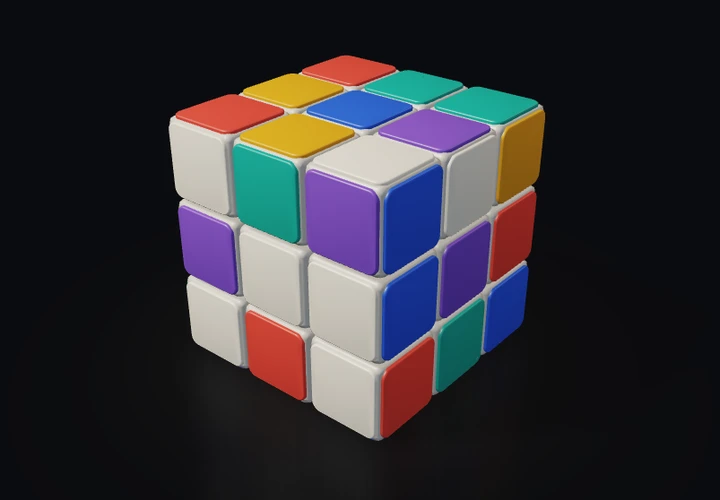
A few good answers.
How do I turn a layer?
In the iPhone app, start with one finger on a colored face and swipe along a row or column. Once the layer is selected, it follows your finger. Release far enough into the turn to complete it, or move it back and let it return.
How do I look around the cube?
Start a one-finger drag in the space outside the cube. You can also use two fingers before a layer has locked. Once you are turning a layer, an extra finger will not take control of the camera.
What changes with the difficulty?
Easy, Medium and Hard change how the puzzle is scrambled, not how the controls work. Tap the difficulty label at the top-left to choose a difficulty or request another scramble. A started solve asks for confirmation before it is replaced.
When does the timer start?
Not when you open the app, and not when you look around the cube. Timing begins when you make an intentional layer manipulation beyond the touch dead zone. A cancelled partial turn adds no turns, but the solve has already started.
Is 3×3 really free?
Yes. The complete 3×3 experience includes all three scramble difficulties. There are no ads and no subscription. One optional lifetime purchase unlocks both 4×4 and 5×5; the app shows the App Store’s localized price.
I bought the larger cubes. How do I restore them?
Open Settings → Restore Purchases. Use the Apple Account associated with the original purchase. Restoration uses Apple’s services and may need an internet connection. If access still does not appear, email us at vardhanapps.dev@gmail.com. Never send your Apple Account password or payment details.
Why is my purchase pending?
Some purchases need approval or additional processing through Apple. A pending purchase does not unlock the larger cubes yet. Your current puzzle stays in place while the transaction is pending.
Can I turn sound or haptics off?
Yes. Both have independent toggles in Settings → Experience. Sound respects Silent Mode. Camera rotation has no sound, and your existing music or podcast should continue. Haptic output also depends on your device and system settings.
What are Color Symbols?
Color Symbols add small molded shapes to the face caps so color is not the only way to distinguish them. Enable them in Settings → Color Symbols. The system’s Differentiate Without Color preference can also enable them.
Can I reduce the motion?
The app follows the iPhone’s Reduce Motion setting. Camera release inertia is removed and automated transitions are simplified. Directly turning a layer still follows your finger.
Will my unfinished solve be saved?
Unfinished puzzle state, elapsed time, turns, size, difficulty and camera orientation are stored locally. After an interruption, a started solve comes back paused with Tap to resume. There is no app-managed cross-device progress sync.
Does it work without an internet connection?
Free 3×3 gameplay works offline and does not need an account. Buying or restoring the larger cubes uses Apple’s services. Visiting this website or sending a support email also needs the relevant connection.
Where can I read about my data?
The Privacy Policy explains local puzzle storage, Apple purchases, support messages and this website separately. Please do not send passwords, payment-card details, or unrelated personal information with a support request.
No matching questions. Try a different word, or email us below.
Showing 13 questions
Let’s untangle it.
Tell us what happened and what you expected. Your iPhone model and iOS version are helpful. Passwords and payment details are not.
EMAIL SUPPORT
vardhanapps.dev@gmail.comOpens your email app. Include your iPhone model, iOS version, and a short description of what happened when useful.
Please never send passwords, Apple Account credentials, or payment-card details.